For New Online Course Students (signed up after April 2026)
Submitting video assignments in the Start ASL Online Course is easy! Just follow the instructions below:
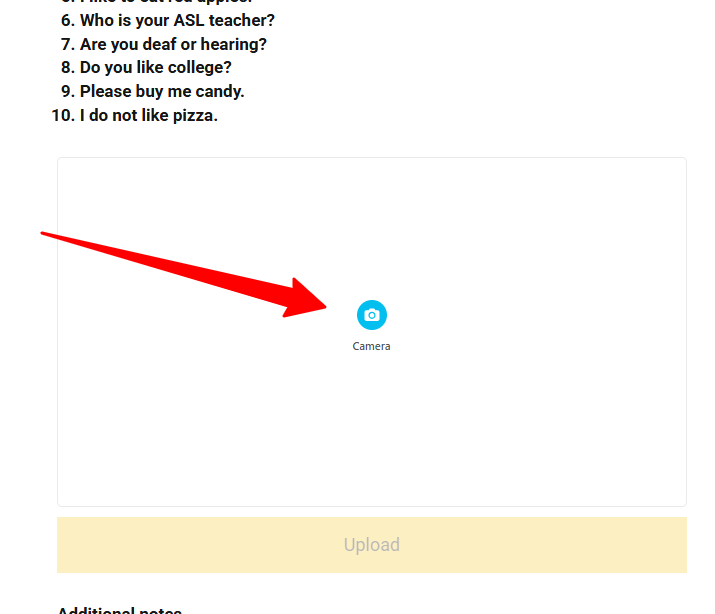
1. Click the camera icon in the video recorder.
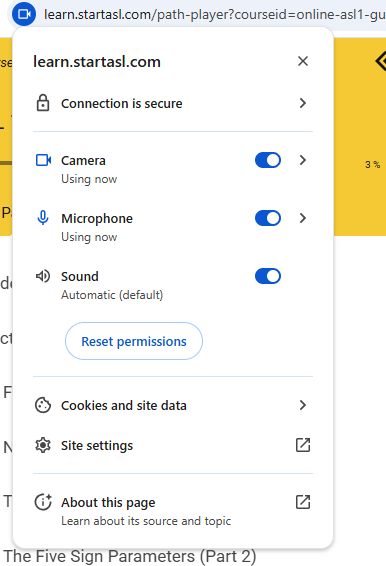
2. Allow camera and microphone use for your browser.
3. Click the record button to start recording. Click the Stop button that pops up to stop recording. 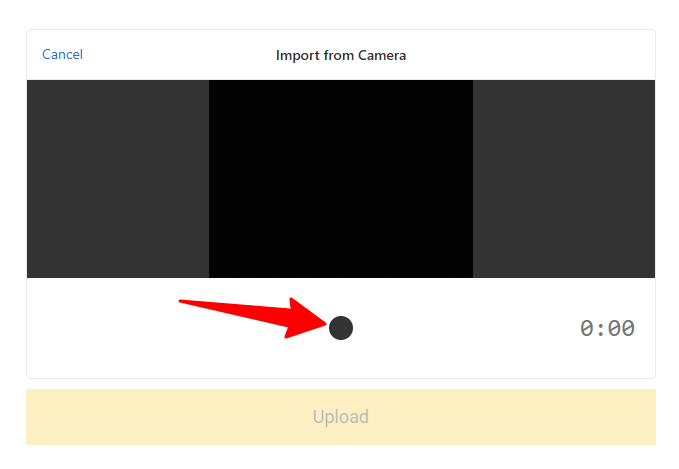
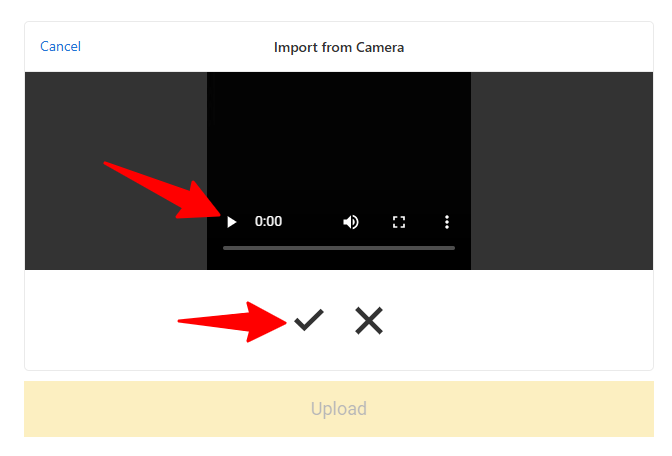
4. Play back your video to see if it's to your liking. Click the checkmark to OK or the X to record again.
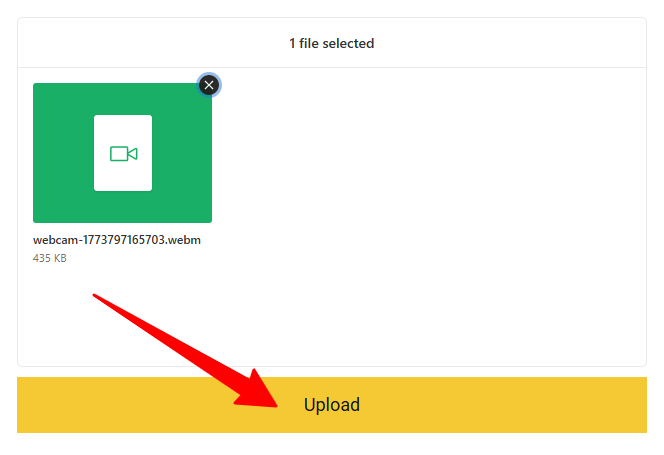
5. Click Upload to submit your video.
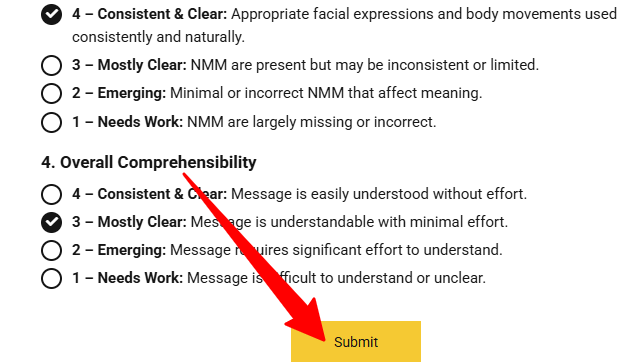
6. Then finish the rest of the assignment and click Submit to submit your complete assignment.